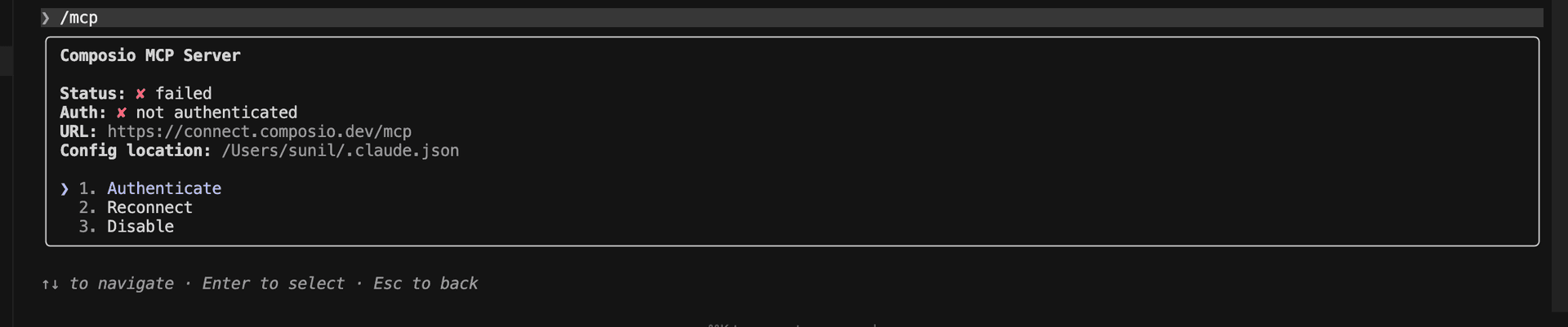
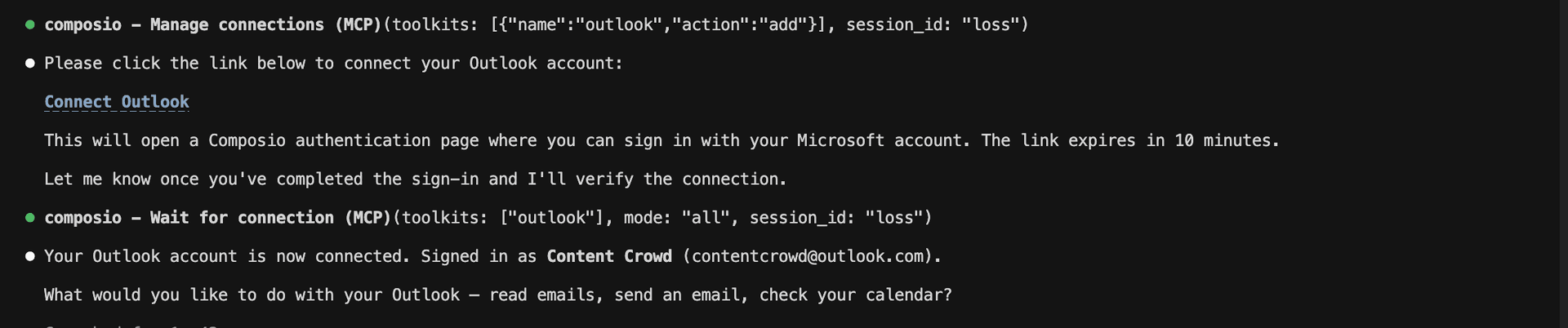
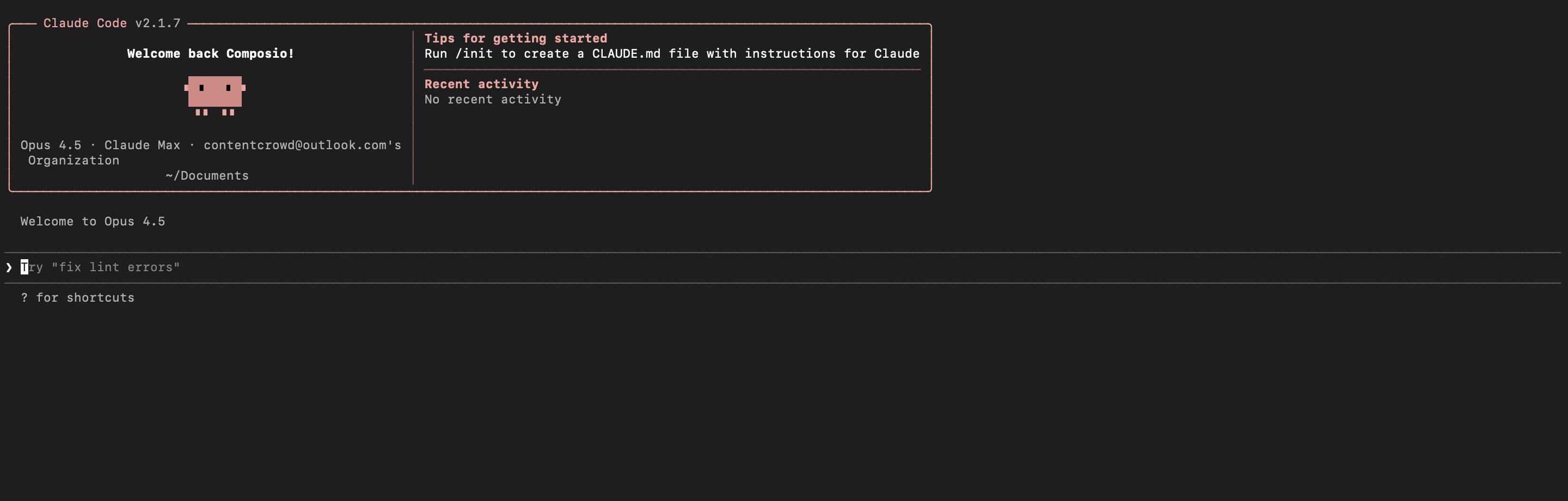
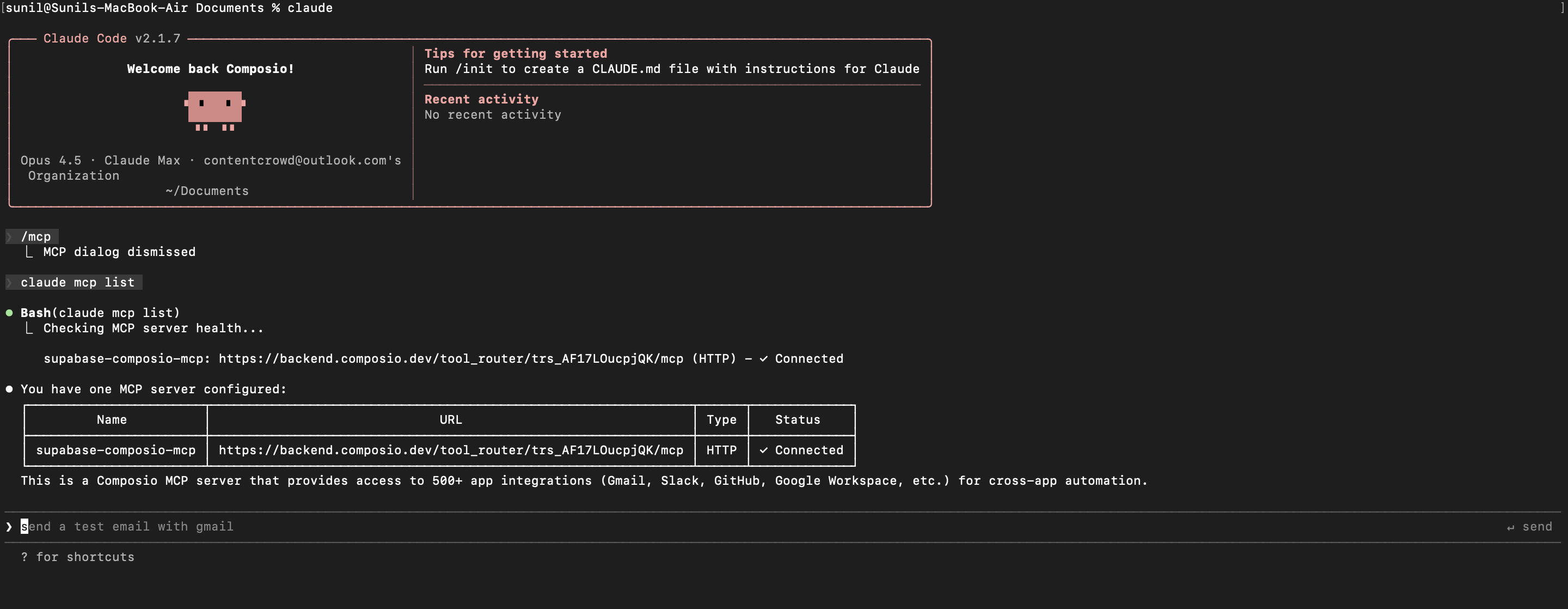
You've successfully integrated Composio with Claude Code using Composio's MCP server. Now you can interact with Composio directly from your terminal using natural language commands.
Key features of this setup:
- Terminal-native experience without switching contexts
- Natural language commands for Composio operations
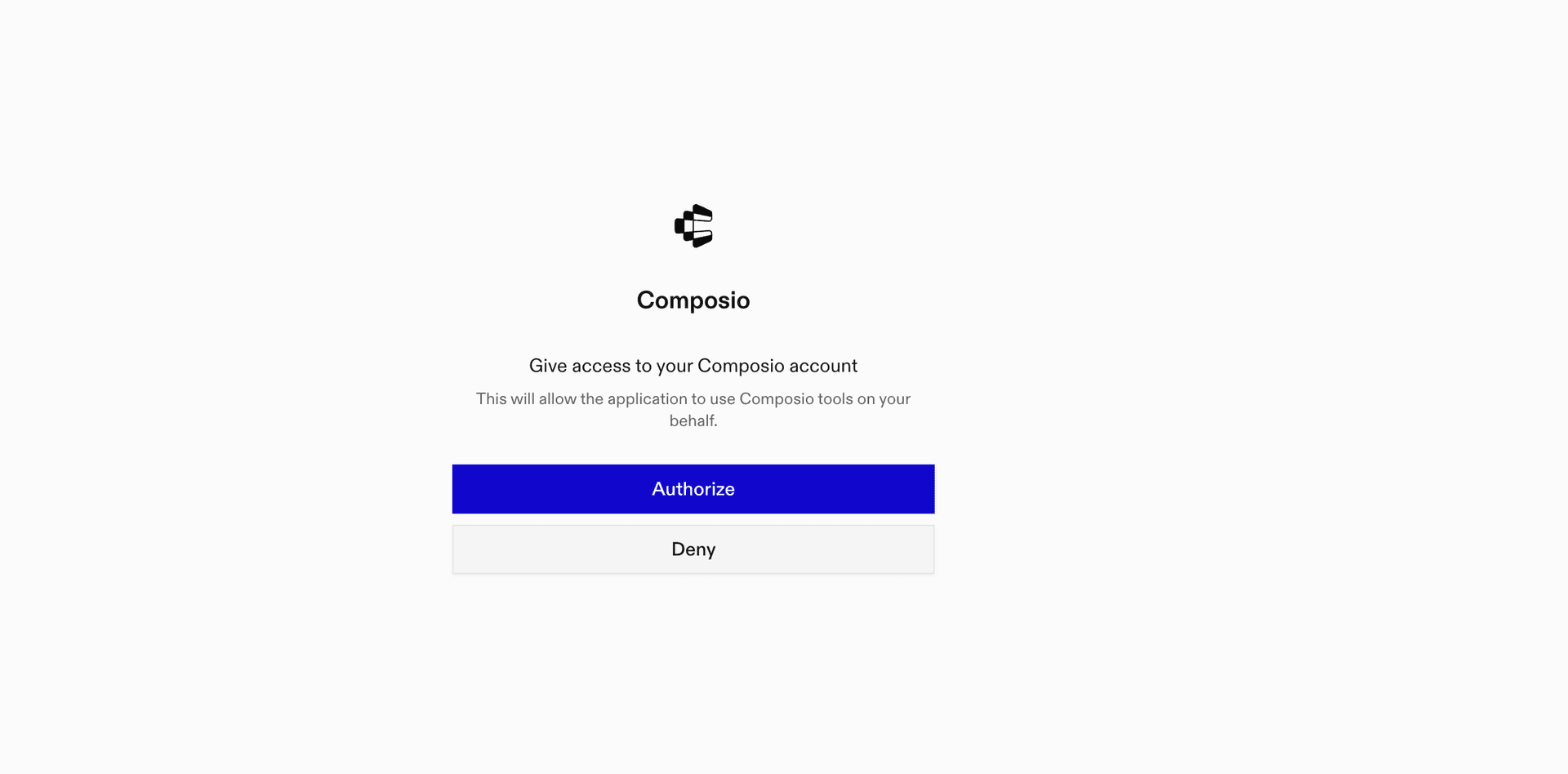
- Secure authentication through Composio's managed MCP
- Tool Router for dynamic tool discovery and execution
Next steps:
- Try asking Claude Code to perform various Composio operations
- Add more toolkits to your Tool Router session for multi-app workflows
- Integrate this setup into your development workflow for increased productivity
You can extend this by adding more toolkits, implementing custom workflows, or building automation scripts that leverage Claude Code's capabilities.